
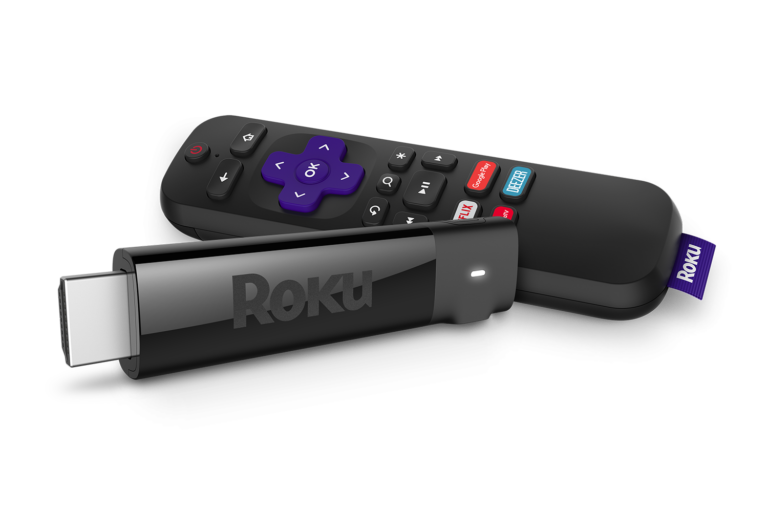
Add a Roku streaming stick
A Roku stick plugs into your TV’s HDMI port and opens thousands of apps and channels, including Netflix, Hulu, Disney+ and YouTube, in one place.
How it works
Plug it in
Connect the Roku stick to your TV’s HDMI port and power it up.
Connect to Wi-Fi
Use your home Wi-Fi network to get it online. Find your Wi-Fi password.
Start streaming
Browse and watch shows, movies and live TV from the Roku home screen.